BonziBUDDY
A downloadable project for Linux
BonziBUDDY 2.3.0 — Classic Edition
The classic desktop companion, rebuilt for modern Linux desktops.
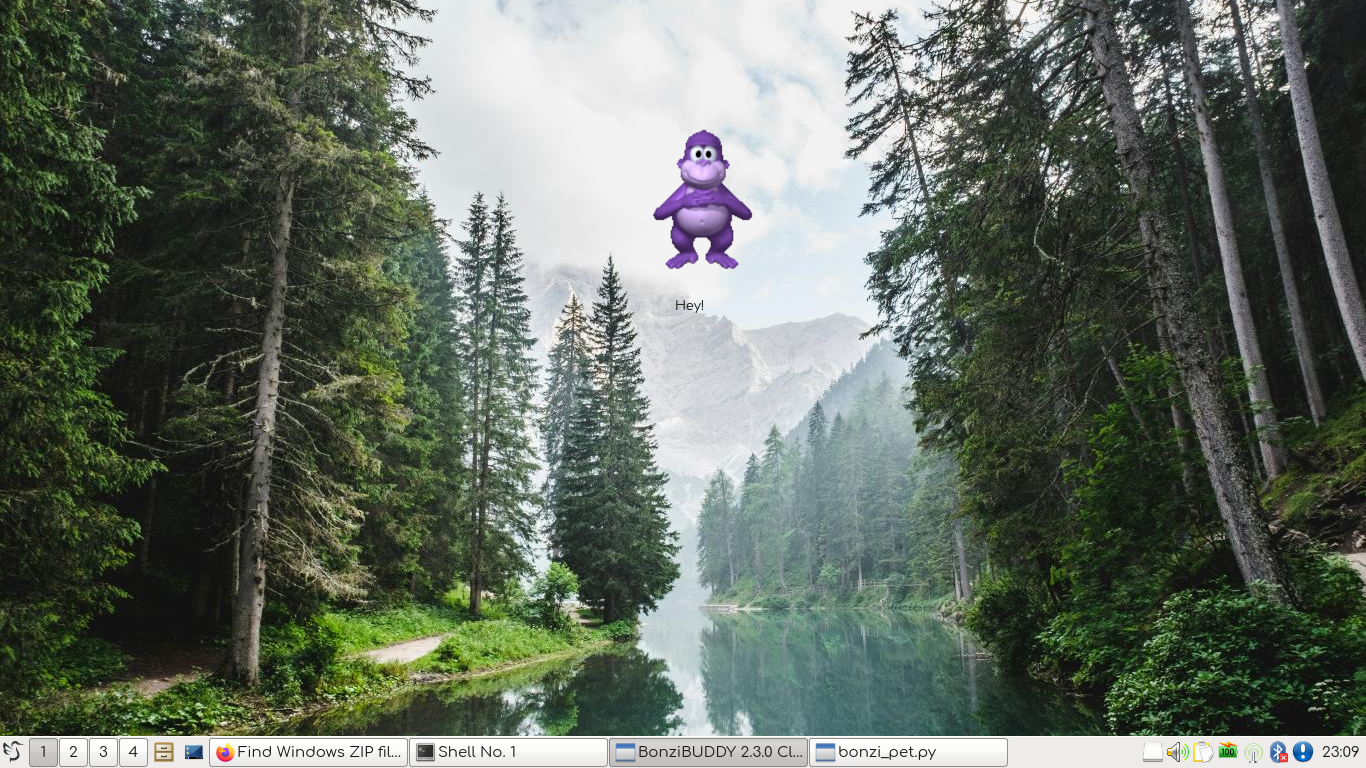
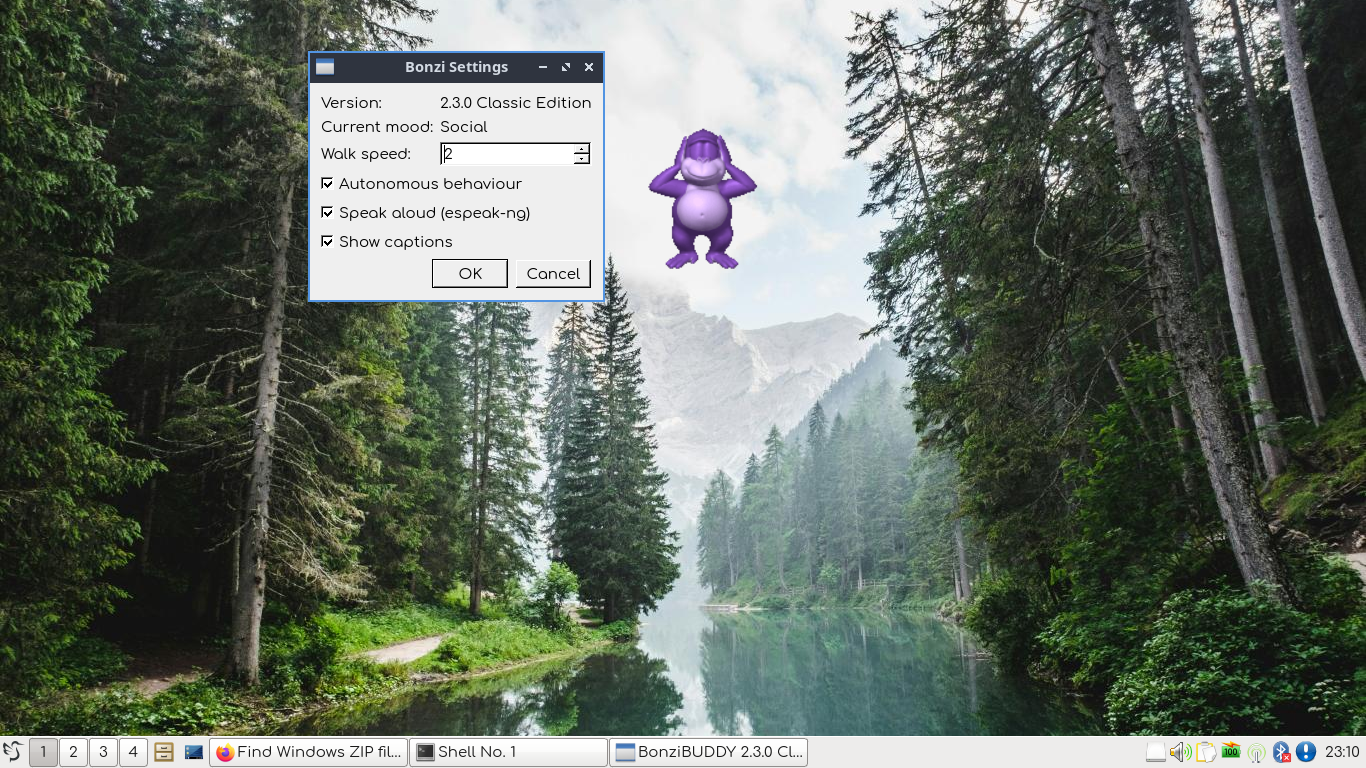
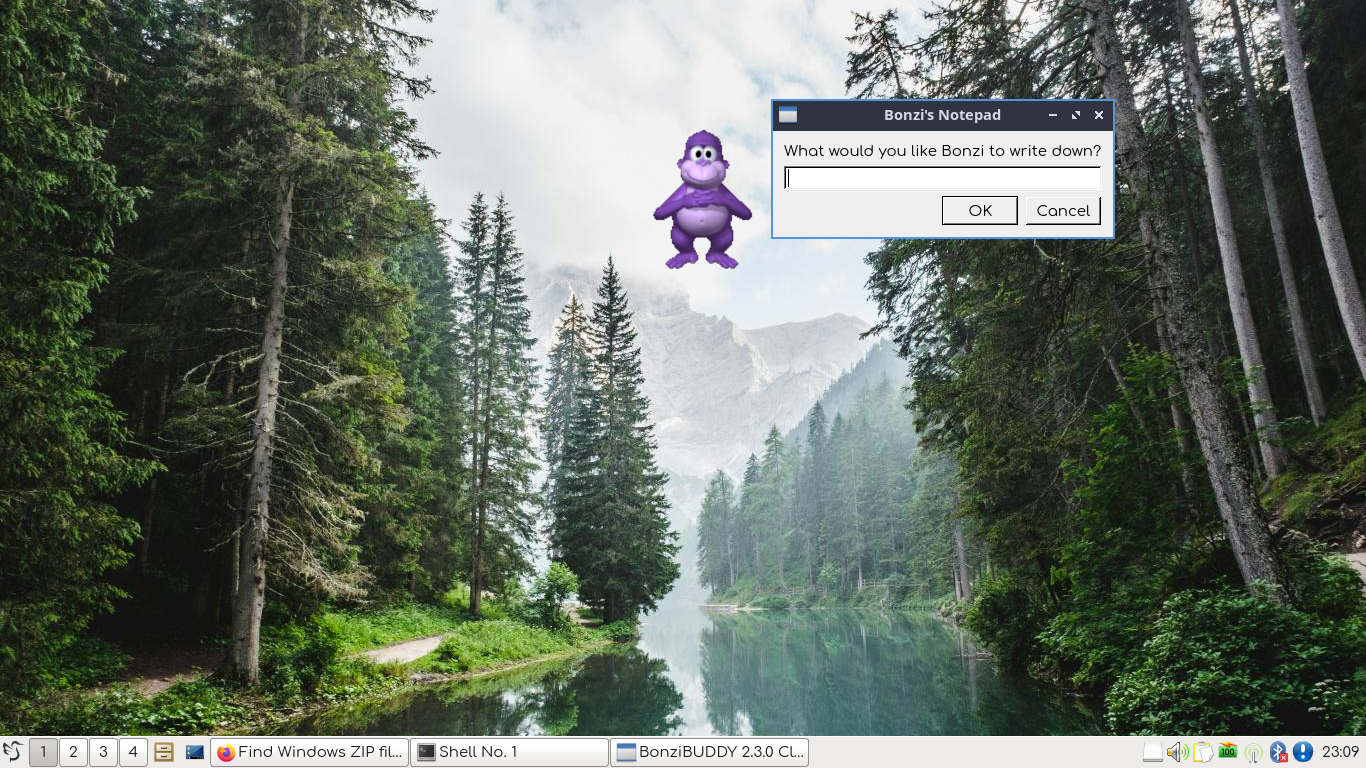
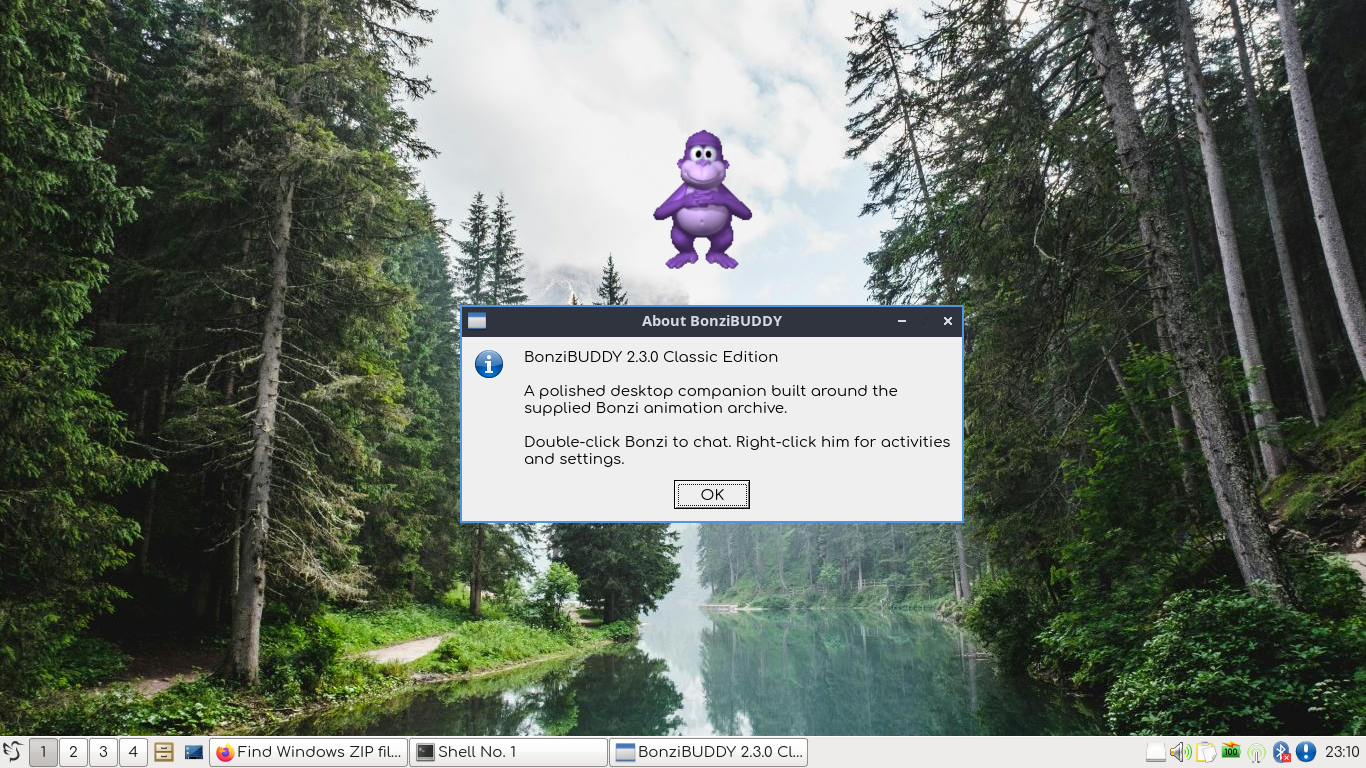
BonziBUDDY brings the familiar purple desktop companion back with his classic animations, voice, personality, and assortment of activities — now running on modern Linux systems.
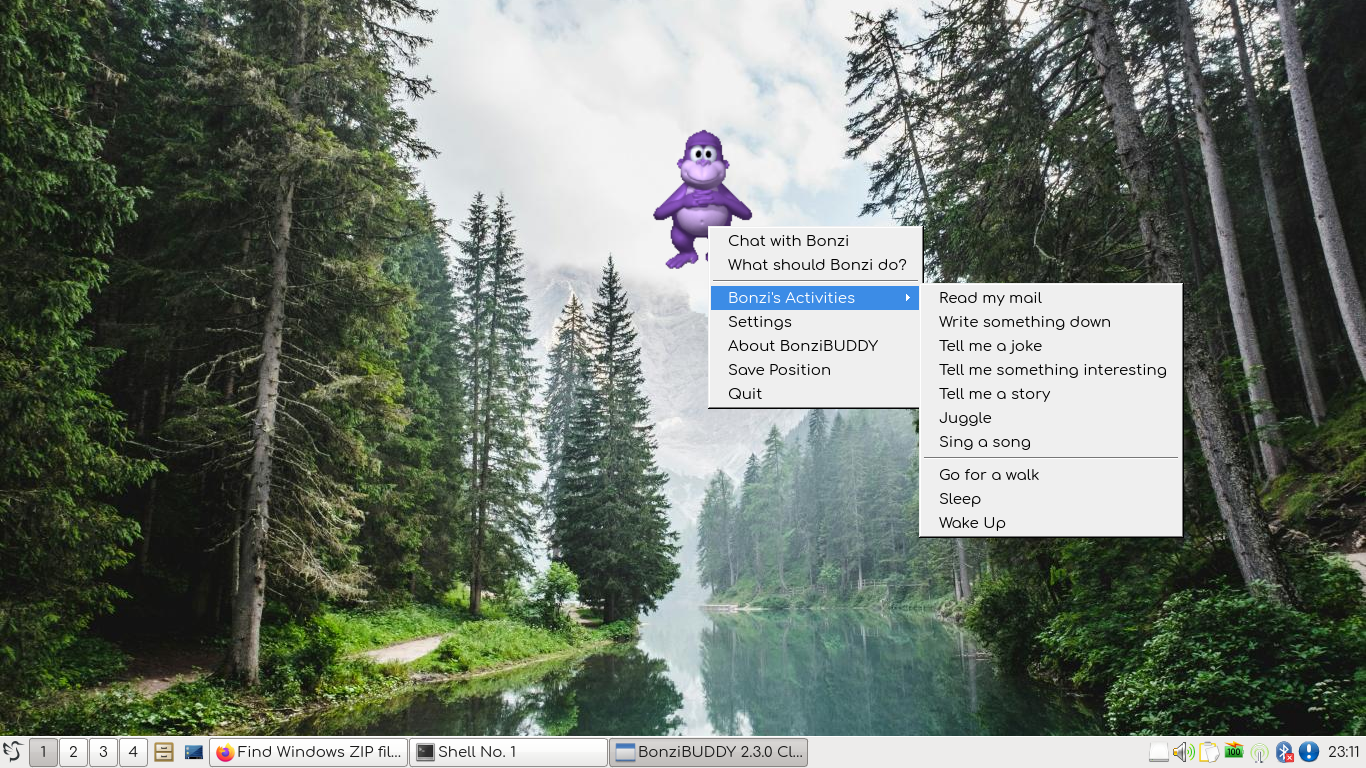
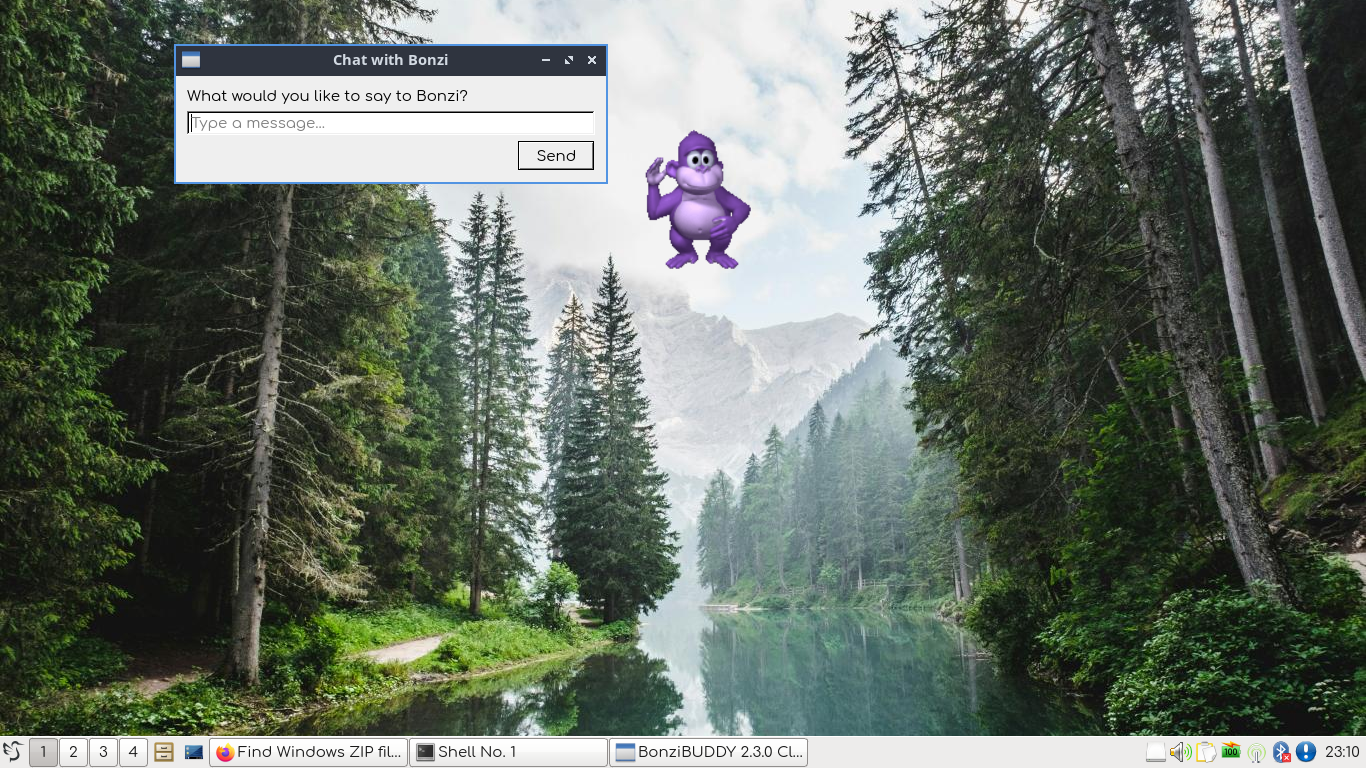
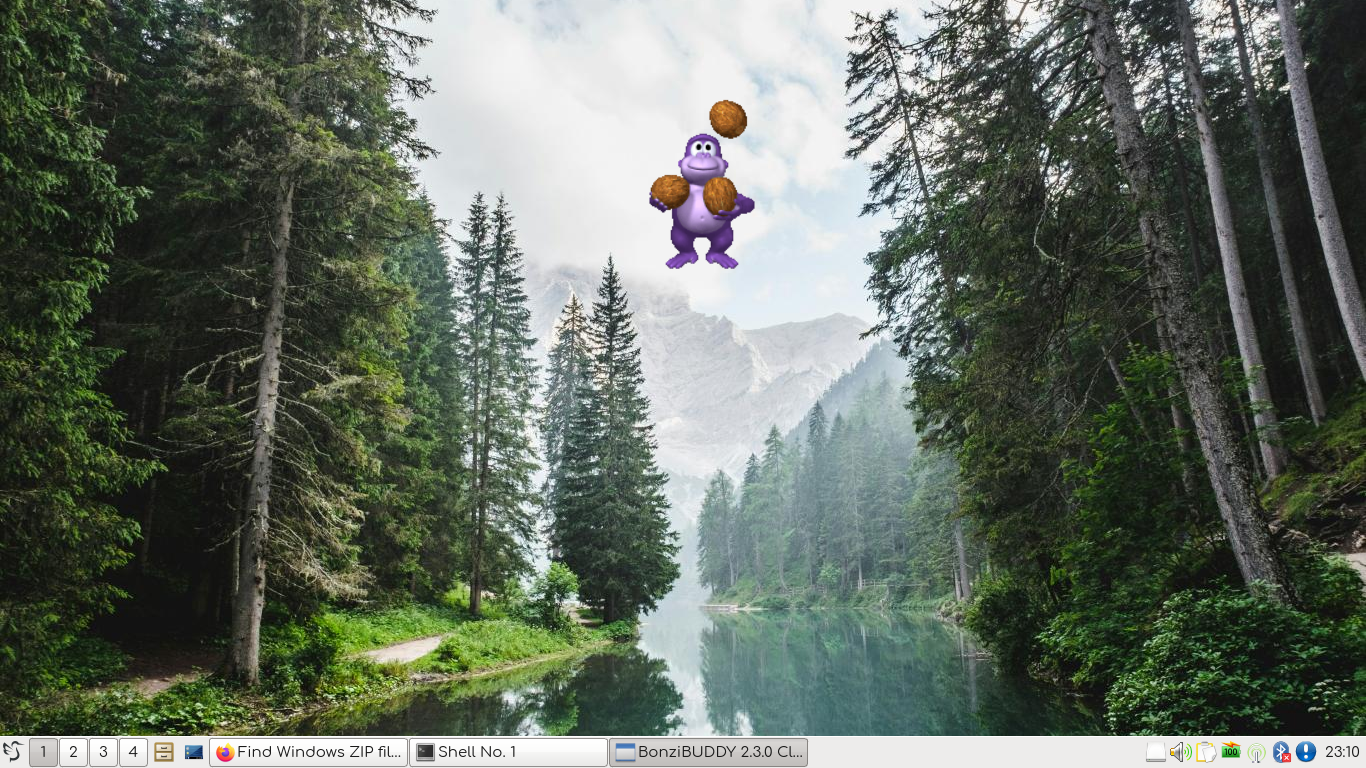
Features: Classic BonziBUDDY animations and behaviors. Autonomous desktop companion. Voice interaction and spoken responses. Jokes, conversations, and random remarks. Built-in email reading with Thunderbird. Juggling and other activities. Sleep and idle behaviors. Lightweight and self-contained. No cloud AI or LLM required.
Requirements:
Linux, Python 3, PyQt5 and espeak-ng
Additionally Thunderbird — required only for the email-reading features
Notes.
BonziBUDDY is designed as a lightweight recreation of the classic desktop companion experience. Internet access and cloud-based AI are not required for normal operation. Thunderbird integration is optional and is only needed if you want Bonzi to read your email.
Credits
BonziBUDDY is a fan-made recreation inspired by the classic BonziBUDDY desktop companion.
Please see the included README and project files for additional credits and information.
Have Fun!
Download
Install instructions
Download & Install
Download and extract BonziBUDDY.zip to your Downloads folder.
Open QTerminal and run:
cd ~/Downloads/BonziBUDDY/BonziBUDDY_2.0 chmod +x run_bonzi.sh ./run_bonzi.sh
BonziBUDDY should now appear on your desktop.
Optional: Desktop Shortcut
To add BonziBUDDY to your application menu, run:
./install_desktop.sh
You can then launch BonziBUDDY normally without opening QTerminal.
Requirements
BonziBUDDY requires:
- Linux
- Python 3
- PyQt5
- espeak-ng
Thunderbird is only required if you want to use BonziBUDDY's email-reading feature.
Leave a comment
Log in with itch.io to leave a comment.